Press kit
Writing about Switcher Kit, or making a video? Everything you need is here, and you're welcome to use it.
Download the press kit (zip, 0.8 MB: logos, app icon, screenshots and a fact sheet)
At a glance
| What it is | A small Mac menu bar app that makes a Mac work the way Windows users' hands expect. |
|---|---|
| Price | Free, with every fix on, no trial and no account. Users can optionally support it with a one-off £5. |
| Requires | macOS 14 Sonoma or later. Runs natively on Apple silicon and Intel Macs. |
| Latest version | 2.0 · What's New |
| Made by | An independent developer in the UK |
| Contact | hello@switcherkit.com |
| Elsewhere | YouTube · X |
Review licences
Reviewing Switcher Kit or covering it in a video? Email hello@switcherkit.com and we'll send you a free full licence.
Descriptions
One line
Short
Longer
Moving from Windows to a Mac is mostly a joy, until your hands do what they've done for years and the Mac does something else. ⌘X won't cut files in Finder, Home and End scroll the page, ⌘Tab won't switch between two Chrome windows, and the red button leaves apps running.
Switcher Kit fixes those habits in one small menu bar app. Cut and paste files with ⌘X and ⌘V, use Home and End, Alt-Tab through every window with previews, snap windows from the keyboard or by dragging, get Explorer's keys and address bar in Finder, open Task Manager with Ctrl+Shift+Esc, and more. Every fix can be switched on or off, and it's also useful for anyone who uses Windows at work and a Mac at home.
Switcher Kit runs on your Mac and doesn't record or send what you type. It's free, with every fix on, and users can support it with a one-off £5 if they like.
What it fixes
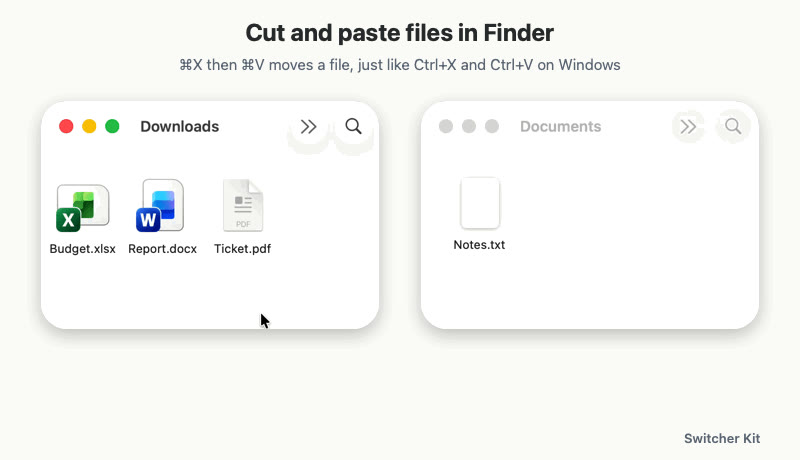
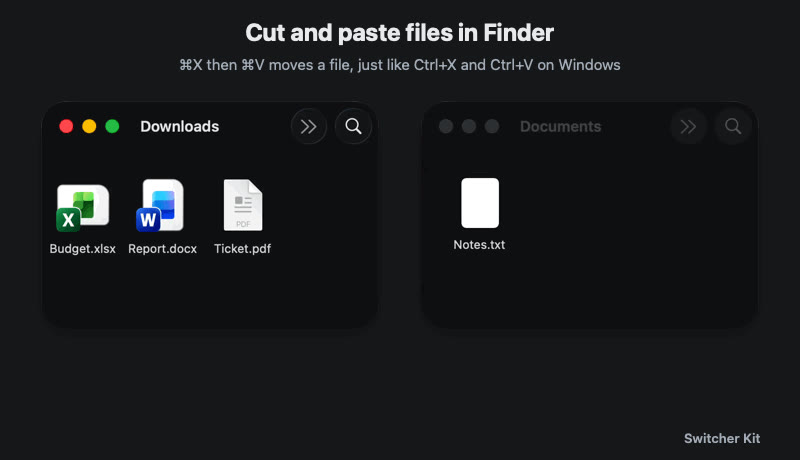
- Cut and paste files in Finder with ⌘X and ⌘V
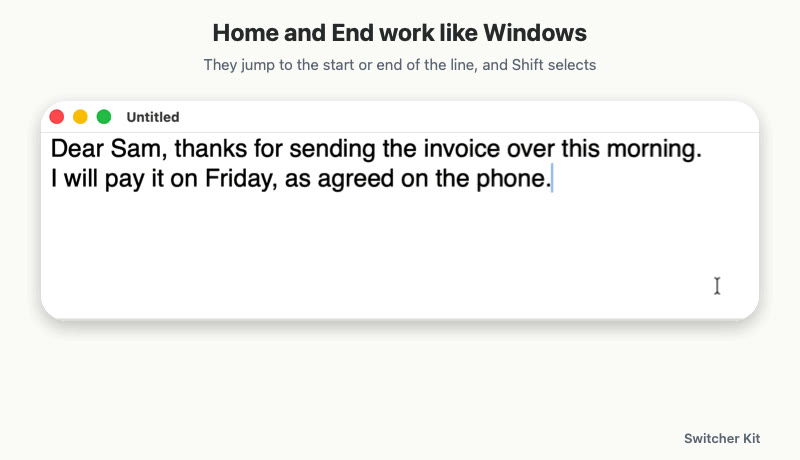
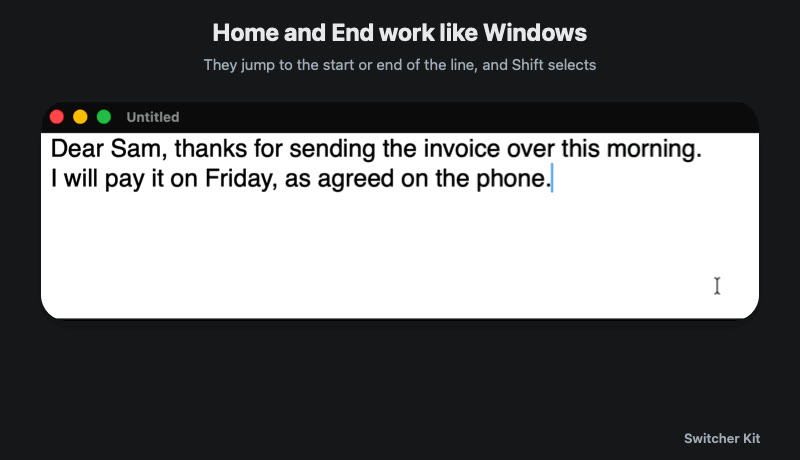
- Home and End move the cursor, as on Windows
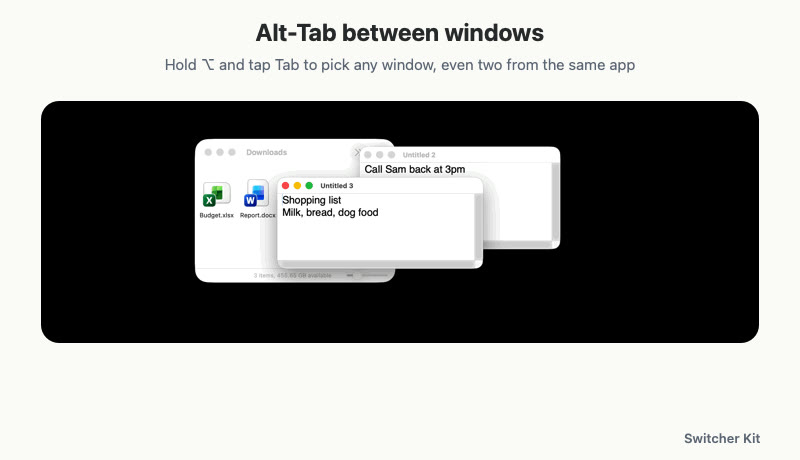
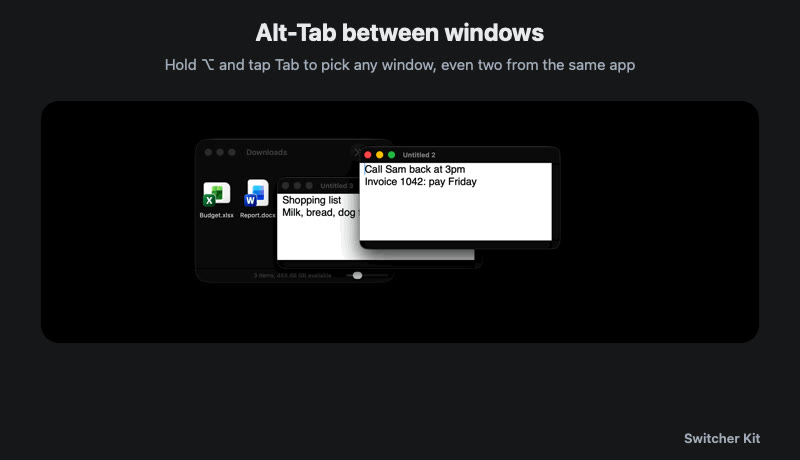
- Alt-Tab through every window, not just apps, with previews
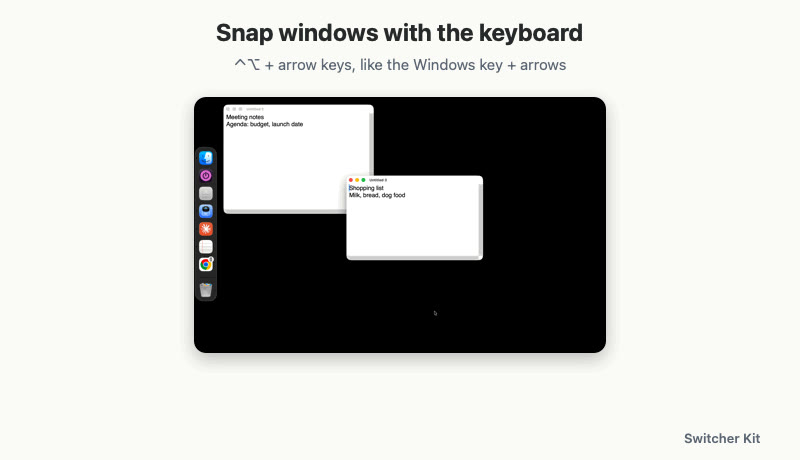
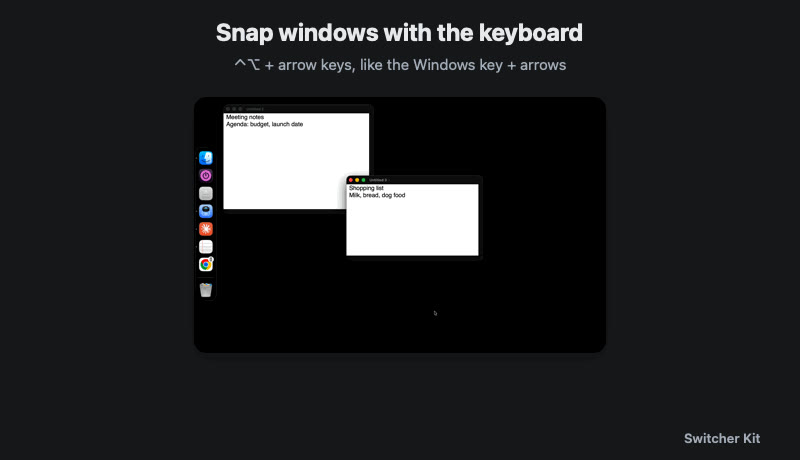
- Window snapping from the keyboard, by dragging to an edge, and Snap Assist
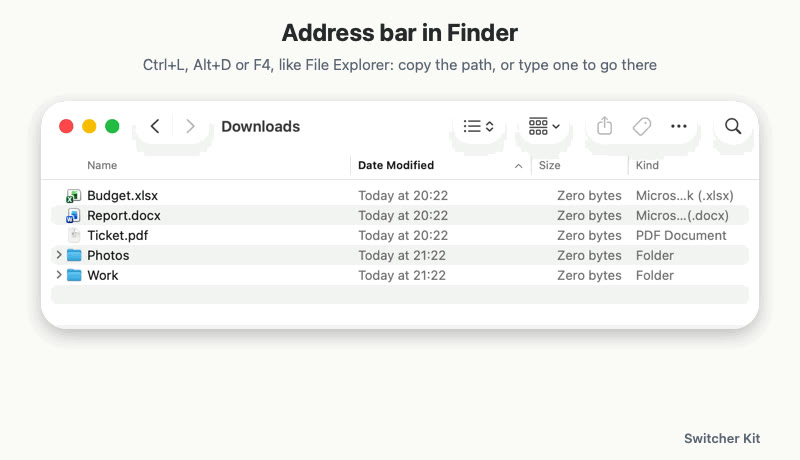
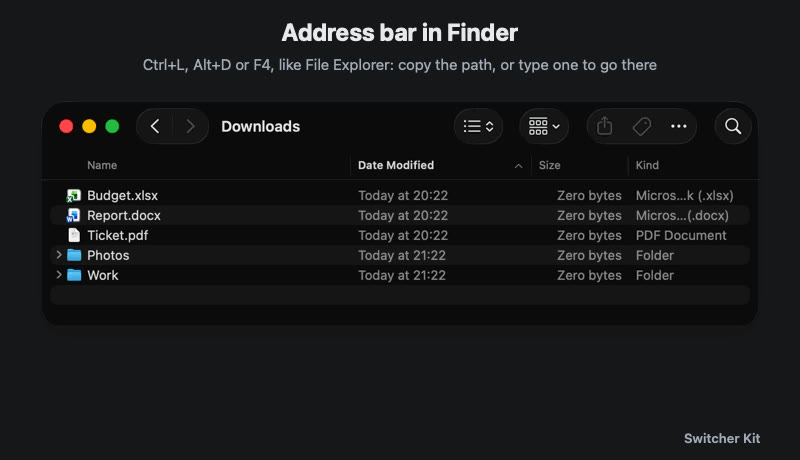
- Explorer's keys in Finder (Enter opens, F2 renames, Delete bins) and an address bar (Ctrl+L)
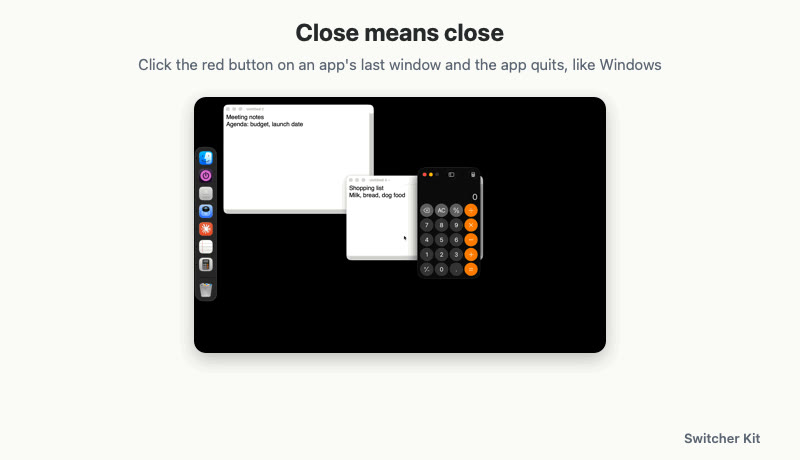
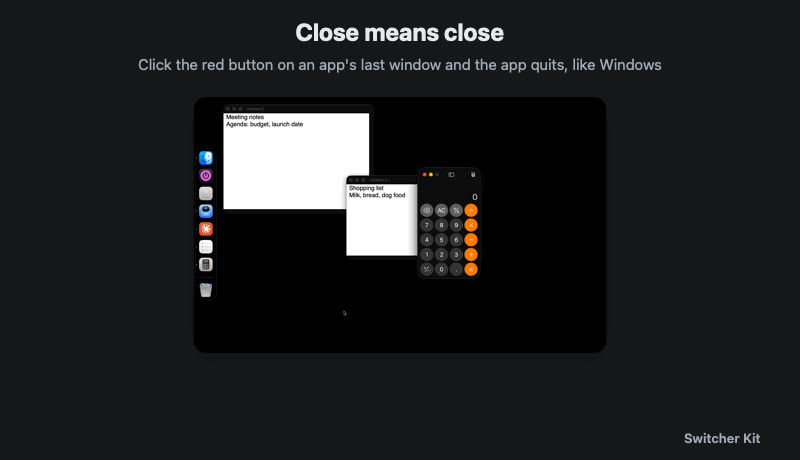
- The red button quits an app when you close its last window
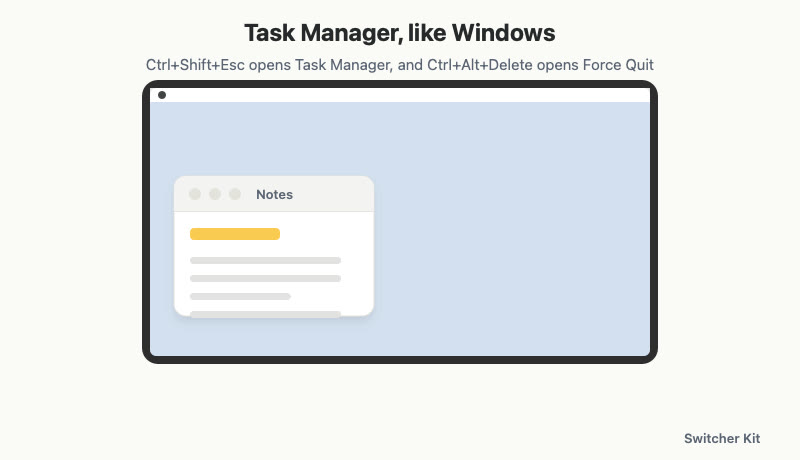
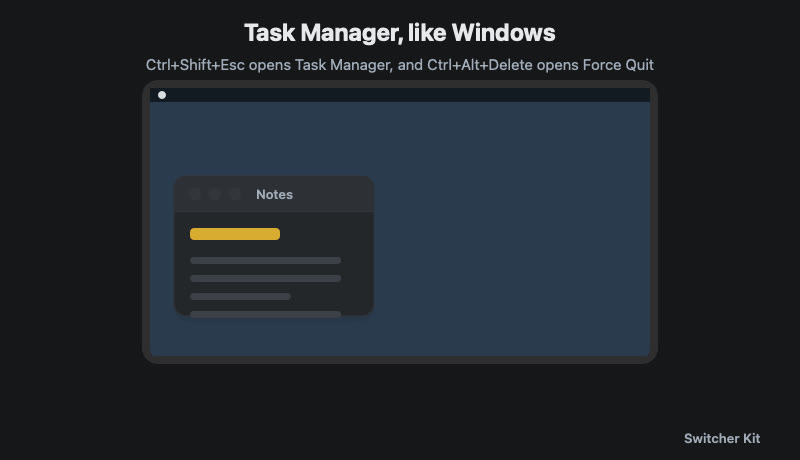
- Task Manager on Ctrl+Shift+Esc
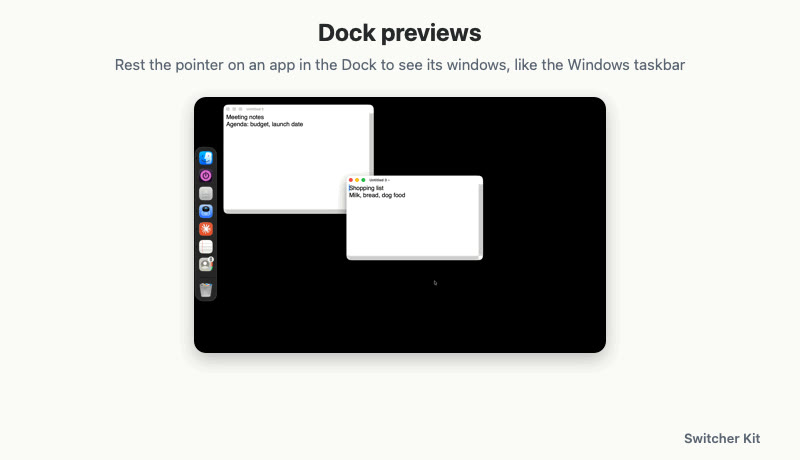
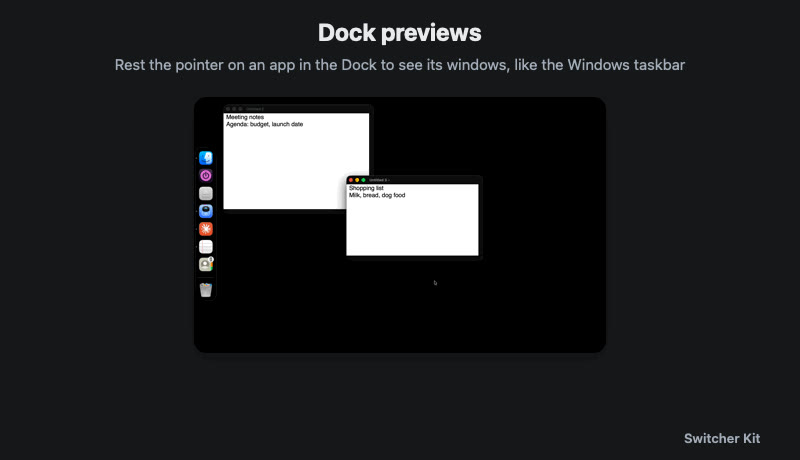
- Clipboard history, Windows key shortcuts, keep a window on top and Dock window previews
- Ctrl works like ⌘, for people who use Windows at work and a Mac at home
Each fix has its own page in Help, and 7 Mac habits that drive Windows users mad is a good overview.
Screenshots
Each one comes in light and dark. There are more in the zip.
Logos and app icon



Logo (SVG) · Logo for dark backgrounds (SVG) · App icon (PNG, 1024 × 1024)
Videos
Switcher Kit in one minute · How to cut and paste files on a Mac · Short demos of every fix